 Upstreet Docs
Virtual worlds, game modes, editors, and play—3D, top-down, platformer, and RPG. Build, explore, and multiplayer.
Worlds
Build, explore, and play—from sprawling 3D landscapes to side-scrolling platformer stages and story-driven RPG adventures.
Worlds are the playable spaces of Upstreet. Each world is a collection of levels, maps, or stages—populated with AI-generated scenes, characters, items, and NPCs. Four distinct game modes give you the power to create and play in whatever style fits your vision: immersive 3D, classic top-down exploration, action-packed platformers, or narrative-driven RPGs.
The Four Game Modes
Upstreet supports four game modes. Each has an Editor for building and a Browser/Player for exploring and playing.
| Mode | Route | Editor | Browser/Player | Description |
|---|---|---|---|---|
| 3D | /3d | /3d/editor | /3d | Full 3D world editor and immersive browser |
| Top-down | /topdown | /topdown/editor | /topdown | Overworld map editor and top-down exploration |
| Platformer | /platformer | /platformer/editor | /platformer | Side-scrolling platformer stages |
| RPG | /rpg | /rpg | /rpg | Story-driven RPG experiences with editor and player |
3D Mode (/3d)
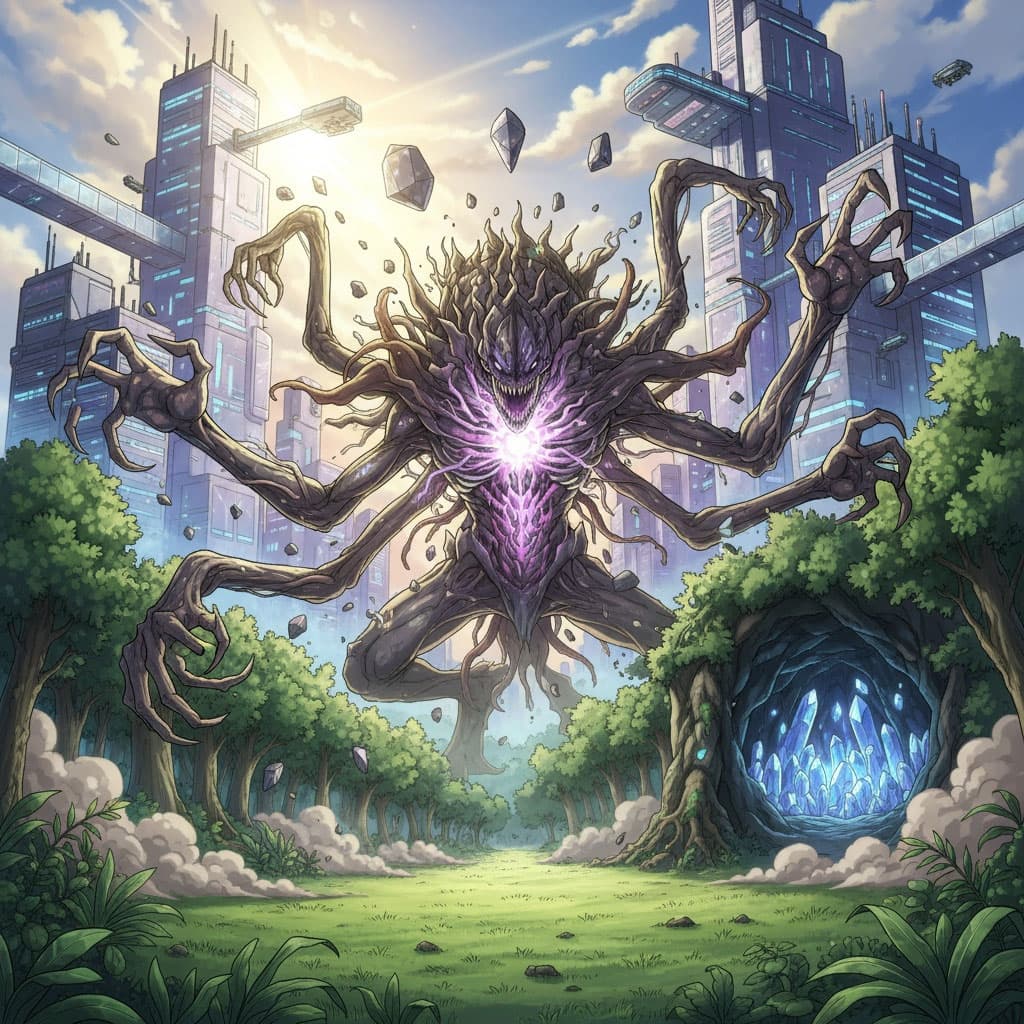
3D mode offers a full immersive experience. Build vast environments with Gaussian splats, place characters and items, and explore in first or third person. Ideal for open worlds, dungeons, and atmospheric experiences.
The 3D Editor at /3d/editor lets you compose levels from generated scenes (scene360, sceneSplat), place characters, items, and props. You define spawn points, lighting, and world boundaries.
The 3D Browser at /3d lets players enter levels, move around, interact with NPCs, and discover placed assets. Multiplayer sessions sync position and state in real time.
Top-down Mode (/topdown)
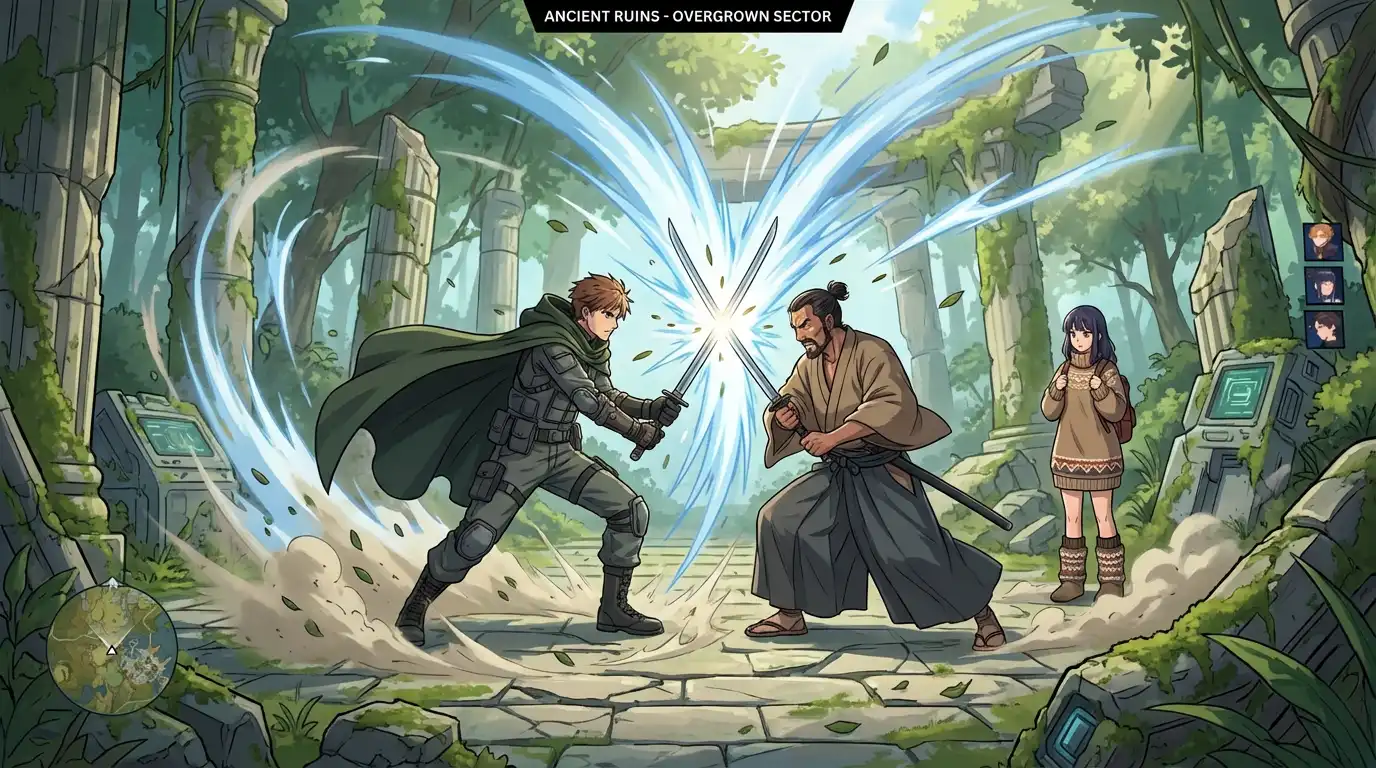
Top-down mode is like a classic overworld map. Design tile-based or freeform maps, place sprites and mobs, and let players explore from above. Perfect for RPG overworlds, strategy games, and 2D exploration.
The Top-down Editor at /topdown/editor uses map tiles, scene images, and sprite assets. You paint terrain, define walkable areas, and place characters, items, and mobs. Maps can link to sub-maps or platformer stages.
The Top-down Browser at /topdown renders the map and lets players move a character across it. Encounters, NPCs, and items are interactive. Multiplayer shows other players' positions on the same map.
Platformer Mode (/platformer)
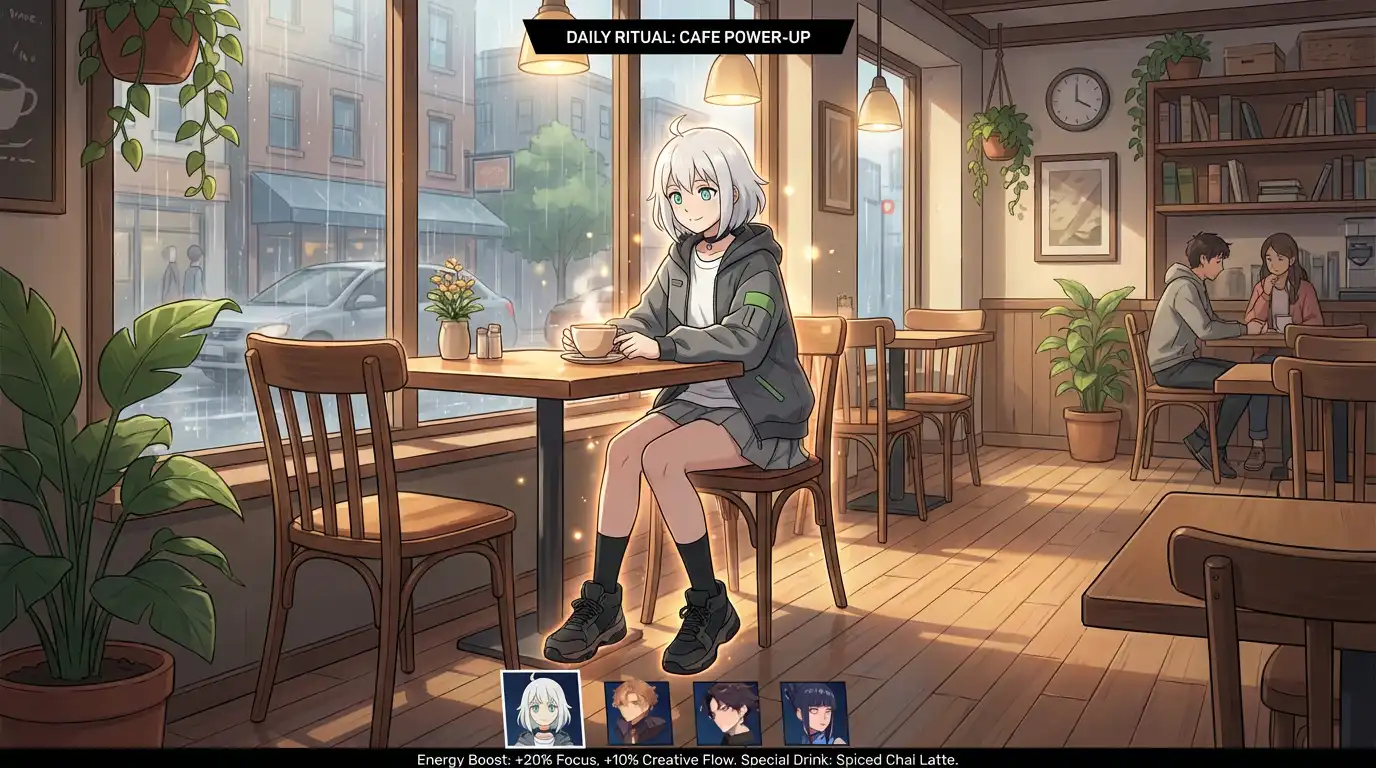
Platformer mode delivers side-scrolling stages. Build levels with platforms, hazards, and collectibles. Use sprite assets for the player and mobs. Ideal for action games, metroidvanias, and arcade-style experiences.
The Platformer Editor at /platformer/editor lets you lay out platforms, enemies, items, and checkpoints. Stage images (sceneImage) form the background. Sprites and mobs define characters and enemies. Stages can be chained into a campaign.
The Platformer Browser at /platformer runs the stage. Players jump, collect items, defeat mobs, and reach the goal. Progress can be saved per-stage or per-campaign.
RPG Mode (/rpg)
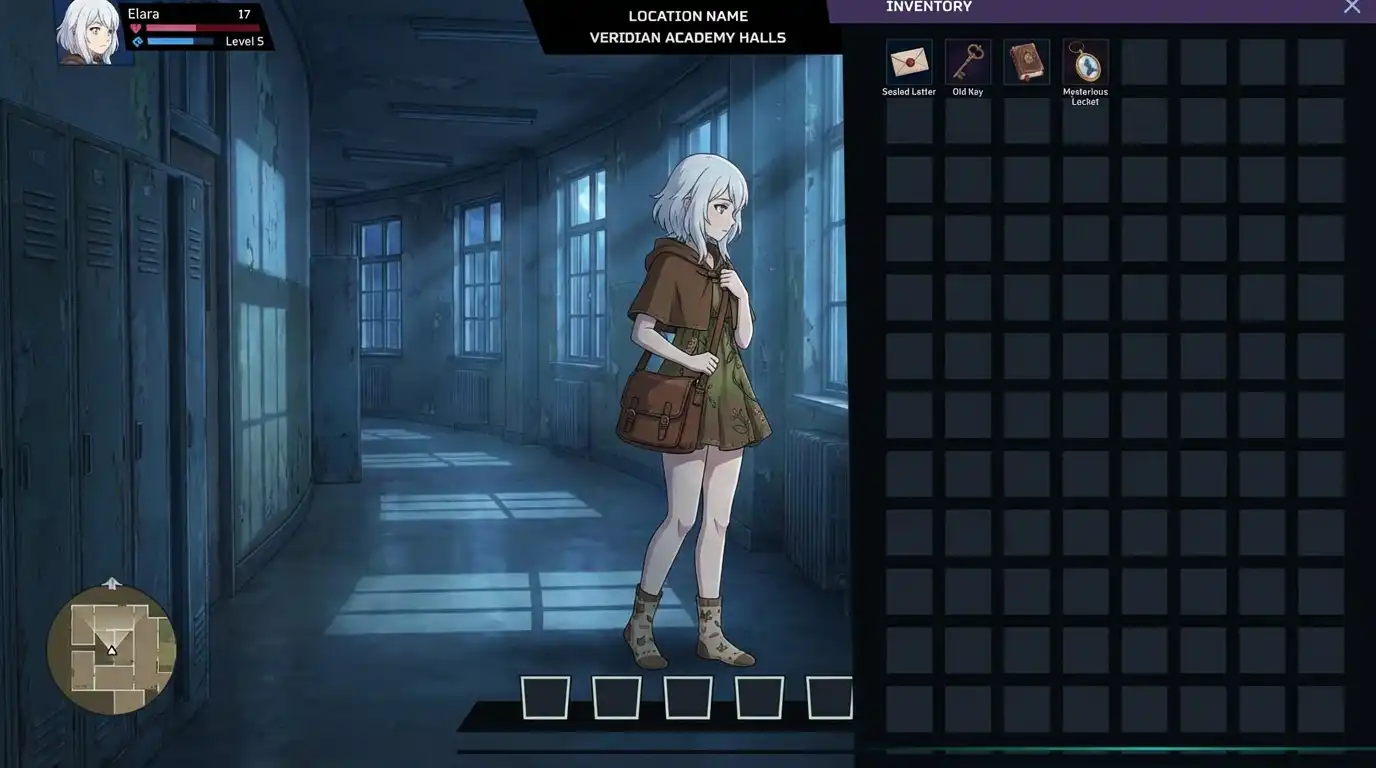
RPG mode is story-driven. Instead of free exploration, players progress through narrative beats, dialogue, choices, and encounters. Stories can reference levels from other modes for combat or exploration segments.
The RPG Editor at /rpg lets you author story arcs, dialogue trees, and card-based encounters. Link to characters, items, maps, and stages. NPCs can drive the narrative with AI-generated dialogue.
The RPG Player runs the story. Players read text, make choices, and engage in encounters. Branching narratives and persistent state create a tailored experience.
How Worlds Connect to Generated Assets
Every scene, character, and item in your worlds can come from the generations pipeline. Generate once, use everywhere—across all four game modes.
Worlds consume assets produced by the generations pipeline:
flowchart LR
    subgraph gens [Generations]
        Char["character"]
        SceneImg["sceneImage"]
        Scene360["scene360"]
        SceneSplat["sceneSplat"]
        Item["item"]
        Sprite["sprite"]
        Mob["mob"]
        Music["music"]
        SFX["soundEffect"]
    end

    subgraph modes [Game Modes]
        Mode3D["3D"]
        Topdown["Top-down"]
        Platformer["Platformer"]
        RPG["RPG"]
    end

    Char --> Mode3D
    Char --> Topdown
    Char --> Platformer
    Char --> RPG

    SceneImg --> Topdown
    SceneImg --> Platformer
    Scene360 --> Mode3D
    SceneSplat --> Mode3D

    Item --> Mode3D
    Item --> Topdown
    Item --> Platformer
    Item --> RPG

    Sprite --> Topdown
    Sprite --> Platformer
    Mob --> Topdown
    Mob --> Platformer

    Music --> Mode3D
    Music --> Topdown
    Music --> Platformer
    Music --> RPG
    SFX --> Mode3D
    SFX --> Topdown
    SFX --> Platformer
SFX --> RPG| Asset Type | 3D | Top-down | Platformer | RPG |
|---|---|---|---|---|
| Scenes (360, splat, image) | ✓ | ✓ | ✓ | ✓ (via linked levels) |
| Characters | ✓ | ✓ | ✓ | ✓ |
| Items | ✓ | ✓ | ✓ | ✓ |
| Sprites | — | ✓ | ✓ | ✓ |
| Mobs | — | ✓ | ✓ | ✓ |
| Music / SFX | ✓ | ✓ | ✓ | ✓ |
Level / Map / Stage Lifecycle
Each mode has its own content unit. Create, edit, publish, and play:
| Mode | Content Unit | Create | Edit | Play |
|---|---|---|---|---|
| 3D | Level | API / Editor | Editor | Browser |
| Top-down | Map | API / Editor | Editor | Browser |
| Platformer | Stage | API / Editor | Editor | Browser |
| RPG | Story | API / Editor | Editor | Player |
flowchart LR
    Create["1. Create"] --> Add["2. Add Assets"]
    Add --> Publish["3. Publish"]
    Publish --> Play["4. Play"]
1. Create content
Create a level, map, stage, or story via the web app editor or API. Assign a name, description, and optional preview image.
2. Add assets
Place scenes, characters, items, sprites, and mobs. Configure spawn points, triggers, and connections (e.g. map → stage).
3. Publish
Publish the content so it appears in the browser/player. Unpublished content stays in draft.
4. Play
Players enter via the mode's browser route. Multiplayer sessions sync state in real time.
Multiplayer Features
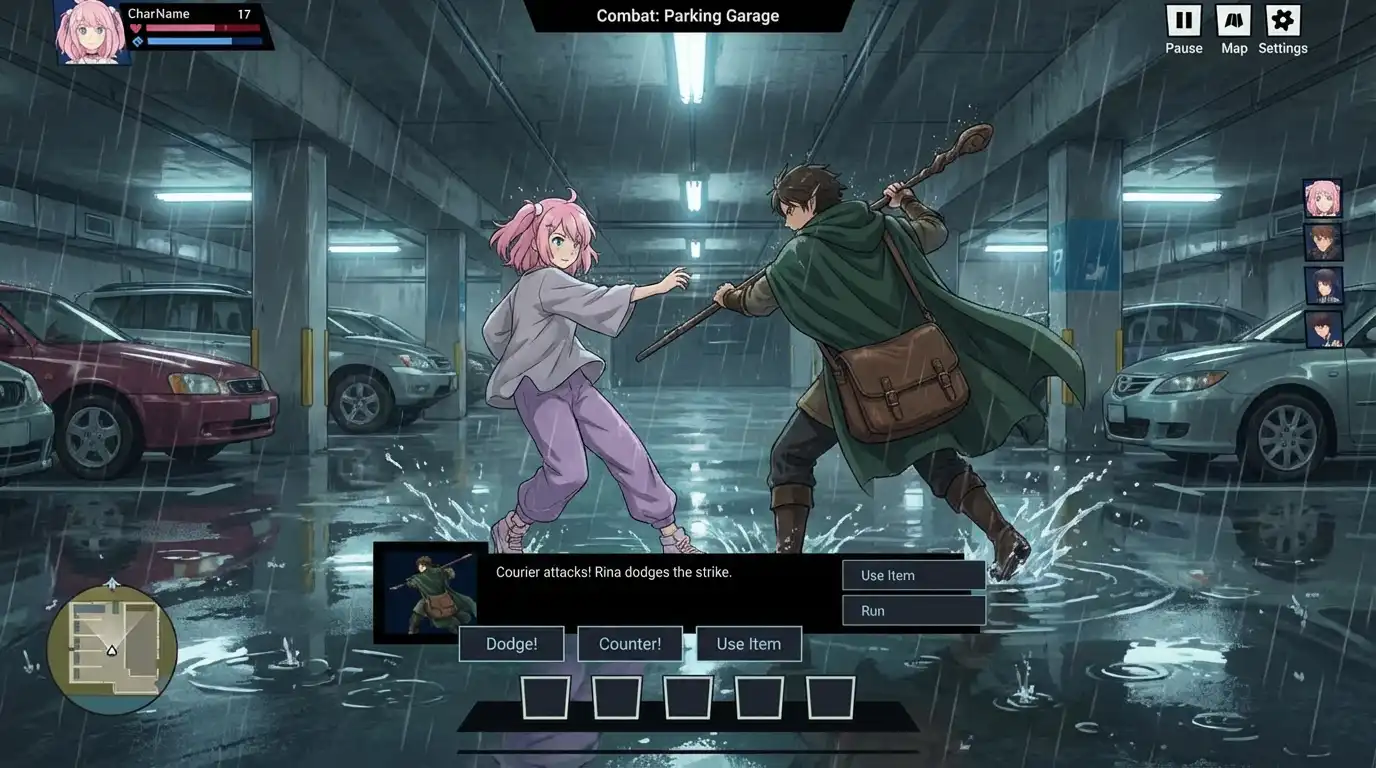
All game modes support multiplayer. When you enter a world, your client subscribes to real-time events—player positions, NPC actions, chat, and world updates.
| Feature | Description |
|---|---|
| Presence | See other players in the same level, map, or stage |
| Position sync | Movement and orientation stream in real time |
| NPC interaction | Chat and interact with NPCs; state can be shared |
| World state | Placed items, triggers, and events can sync across clients |
| Chat | In-world chat channels per level/map |
sequenceDiagram
    participant P1 as Player 1
    participant Server as Realtime Server
    participant P2 as Player 2

    P1->>Server: Join level
    P2->>Server: Join level
    Server->>P1: Other players' positions
    Server->>P2: Other players' positions
    P1->>Server: Move
    Server->>P2: P1 position update
    P2->>Server: Move
    Server->>P1: P2 position update
Routes Quick Reference
| Route | Purpose |
|---|---|
/3d | 3D world browser |
/3d/editor | 3D level editor |
/topdown | Top-down map browser |
/topdown/editor | Top-down map editor |
/platformer | Platformer stage browser |
/platformer/editor | Platformer stage editor |
/rpg | RPG story browser and editor |